
How RecMusicians Pro Agenda works, step by step
RecMusicians Pro Agenda is a free web app that helps bands, orchestras, worship teams, choirs and independent musicians organize rehearsals and gigs in one place. It runs in your phone or computer browser and can be installed to your home screen, no app store needed. This guide explains how to use it.
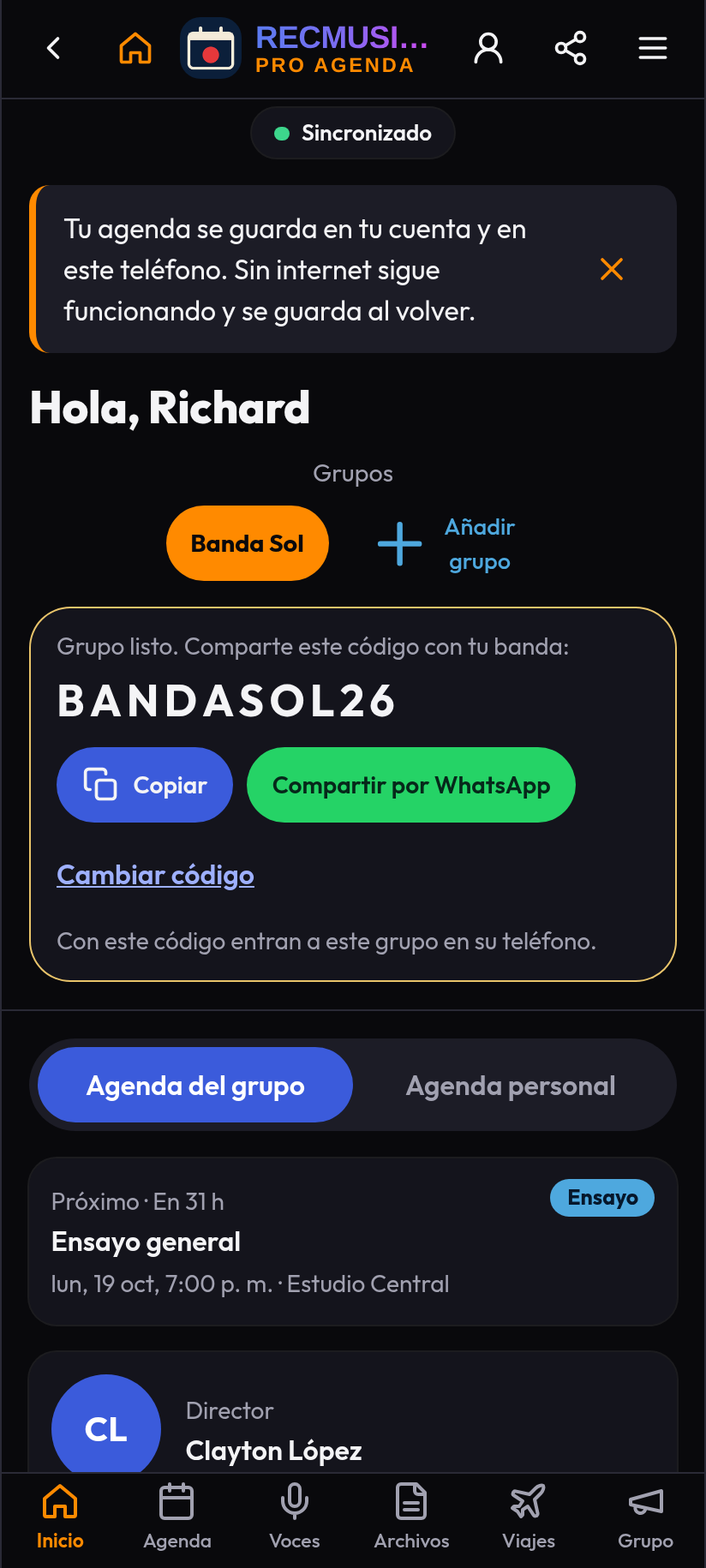
1. Open the app and choose a language
Go to recmusicians.pages.dev in your browser. The app is available in Spanish and English; switch language with the selector at the top. To keep it handy, use your browser's "Add to Home Screen" option (on iPhone from Safari's Share button; on Android from the Chrome menu).
2. Create your account
To share the calendar with your band you need an account. Sign up with your email and a password, then complete your profile: stage name, main instrument and, if you like, a photo. Your profile is what bandmates see in the group.
3. Create or join a group
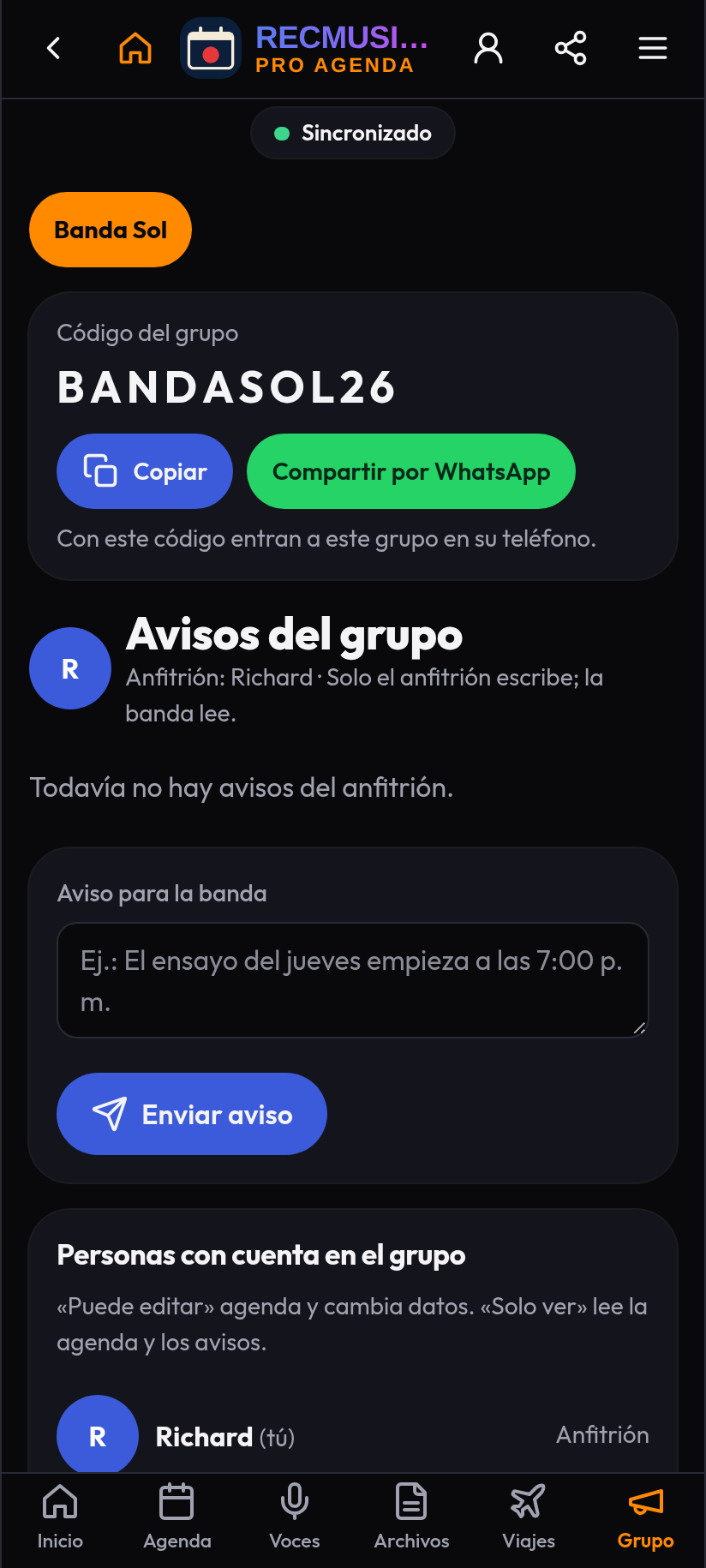
- Create a group: if you're the organizer, create a group with your band's name. The app generates a group code.
- Join a group: if you were invited, enter the code you were given.
Share the code only with your band members. Inside the group each member can have a role (for example director or musician), shown as a badge next to their photo.
4. Add rehearsals and gigs
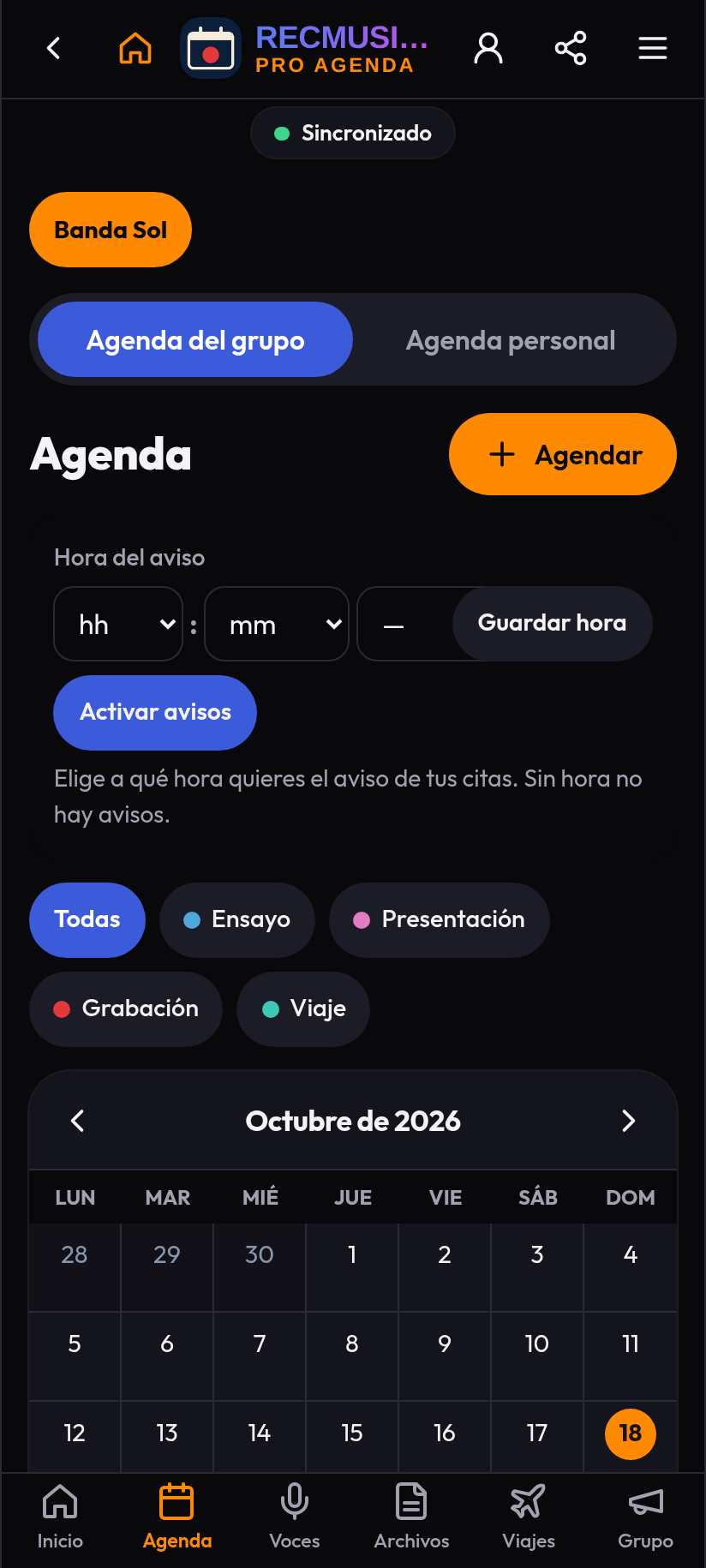
From the calendar, create an appointment and pick its type: rehearsal, performance, recording or travel. For each event you can set:
- Date.
- Call time and start time (separate on purpose: call time is when you arrive to set up and sound check).
- Location.
- Notes for the group.
Every member sees the event in their calendar as soon as it is saved.
5. Attach files to each appointment
You can attach files to any rehearsal or performance, such as the setlist, charts or a venue map. The whole group finds the information in one place, which avoids the classic "I didn't see the message".
6. Instruments and musician cards
Every member has a card with their instrument. If your instrument isn't listed, you can add a custom one with its own icon. The card can also include a link to the musician's account in the app and, if the musician chooses, their phone number for the group.
7. Online presence
A green dot next to a photo means a bandmate is using the app right now; otherwise you'll see how long ago they were active. It helps you know whether someone has seen an update.
8. Private notes, PDFs and voice notes
You can send a bandmate a private note, a PDF (a chart, chord sheet or contract) or a voice note (for example, how an arrangement goes). Only the sender and the recipient can see it; the rest of the group has no access.
9. Offline use
The app stores its core on your phone so it opens quickly even with poor signal, for example inside an event hall. To see new changes and sync with your group you need a connection.
10. Privacy
RecMusicians Pro Agenda handles your data according to its privacy policy, written under Panama's Law 81 of 2019 on Personal Data Protection. You can ask for your data to be corrected or deleted at any time. Details on cookies and advertising are in the cookie policy.
Tips to get the most out of it
- Create the event as soon as a gig is confirmed, even if details are missing; you can edit it later.
- Use event notes for the exact venue, dress code or contact person.
- Attach the setlist to the show's appointment so everyone arrives with the same version.
- Pair the app with good rehearsal habits: read how to run productive rehearsals and how to build a setlist.
Who makes it
RecMusicians Pro Agenda is produced by Lic. Richard Javier, Transport and Logistics Engineer, with Clayton López as co-author, singer and producer. More on the About page.